
Leaderboard

Popular Content
Showing content with the highest reputation on 11/21/2022 in all areas
-
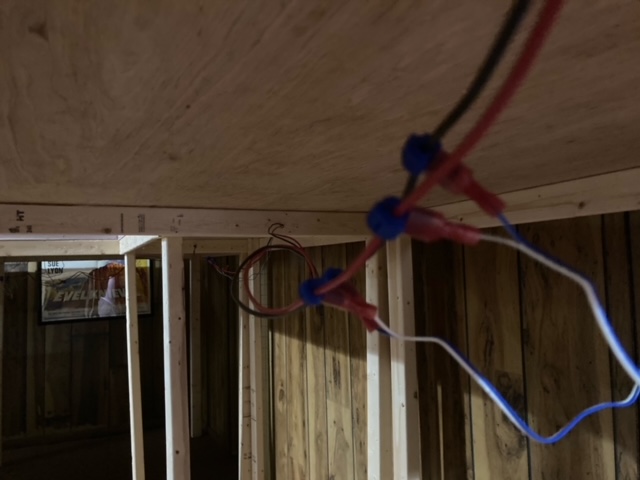
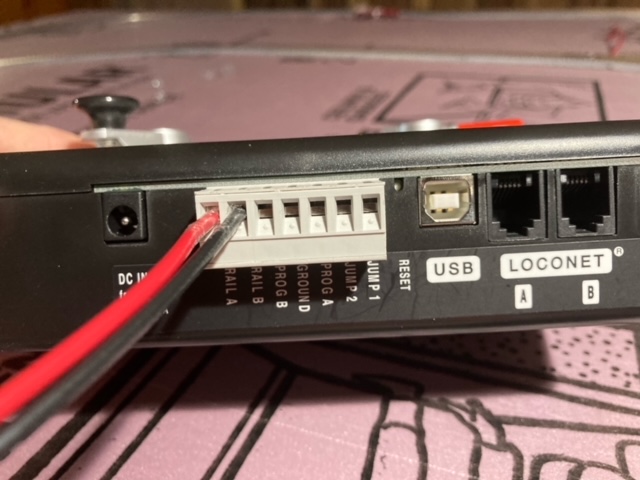
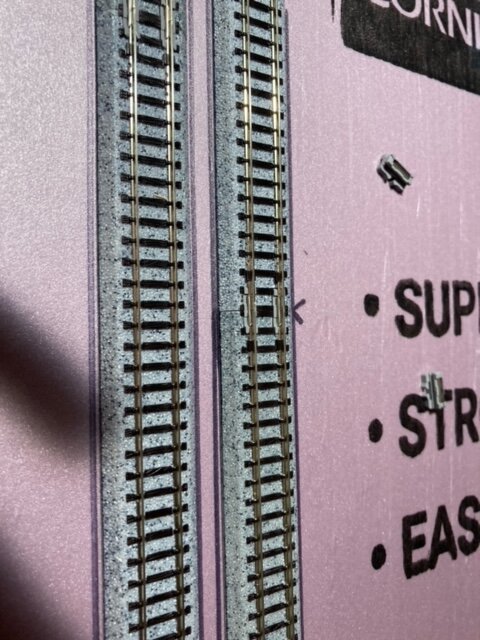
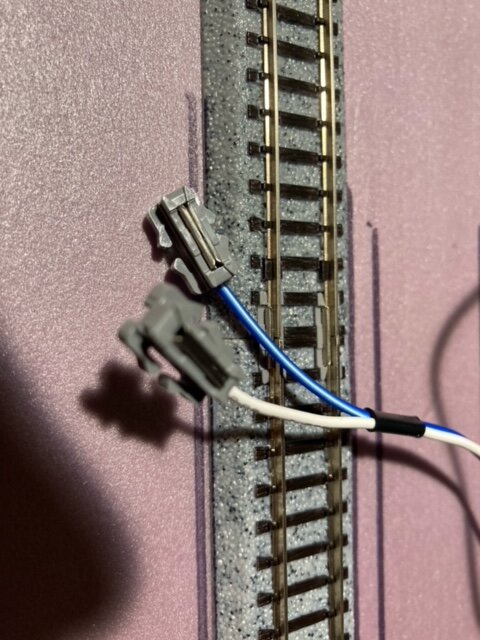
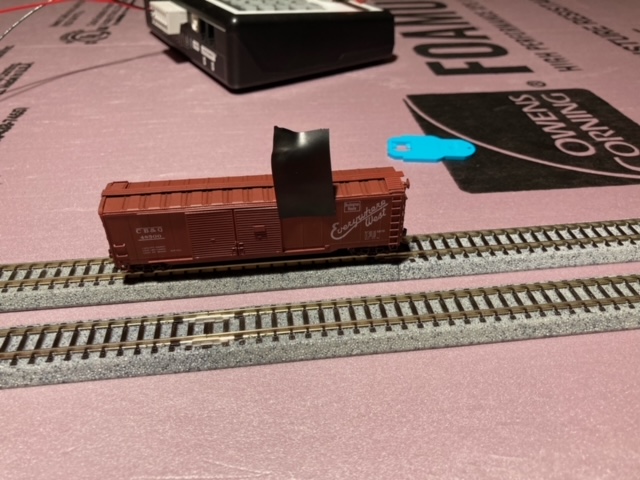
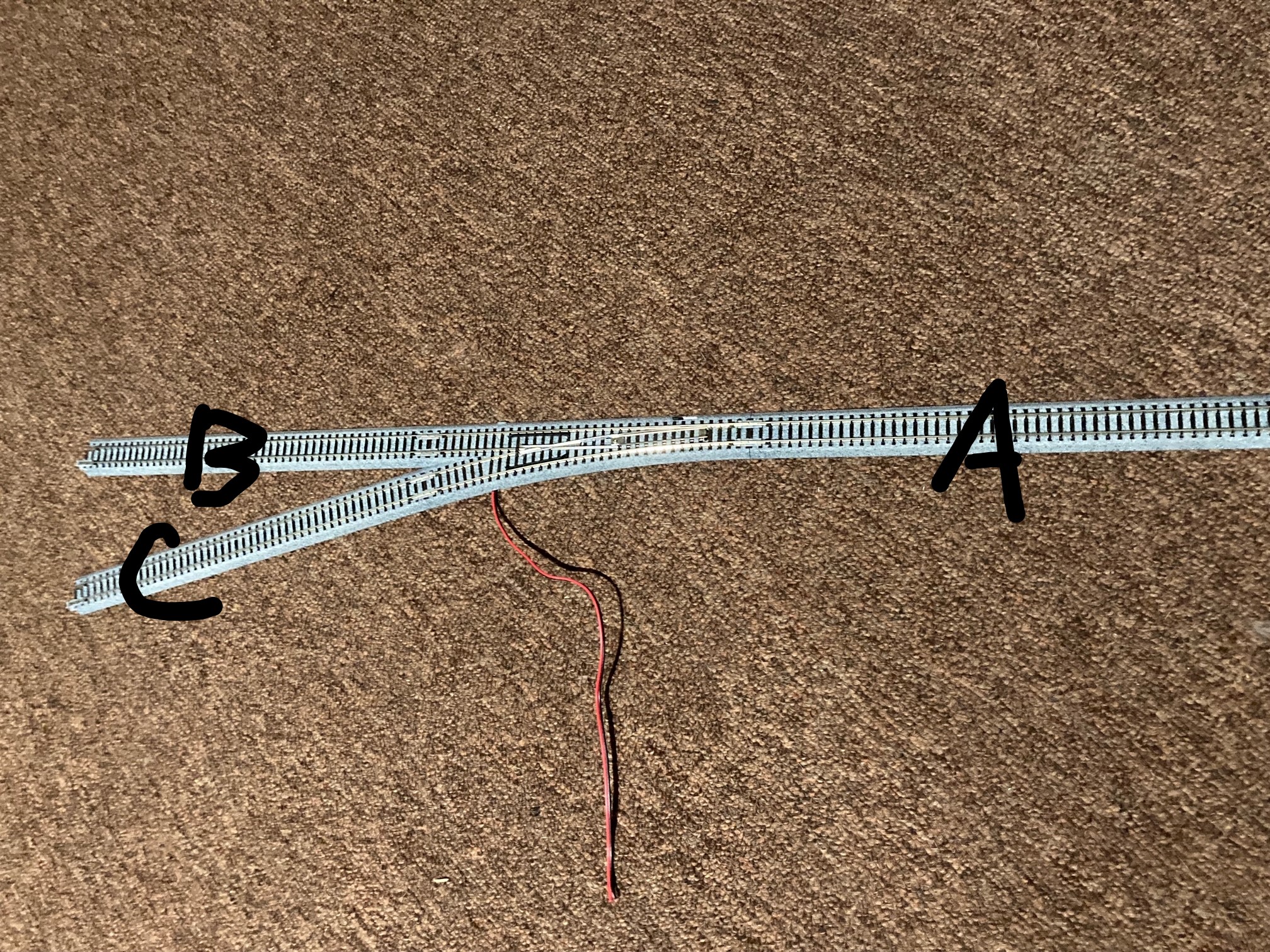
WIRING TIME!!! This is gonna be along post, so buckle in... If you ever had a train set as a kid, you probably remember hooking two wires up to the track, then to the power pack. That's called DC or direct current. In that system, to make the train go faster you just increase current to the track. Slower, you decrease current. Super simple, and great for small layouts or running one train, but if you want to run multiple trains or a large layout, you need to separate your layout into blocks. It can become a wiring nightmare in a hurry. In comes DCC or digital command control. It supplies the track with the same amount of power no matter what, and sends a signal to a decoder in each locomotive. This lets you control multiple trains without any extra wiring. All you need to do is dial in the locomotives number to control it. The equipment is more expensive, and takes a little more time setting up, but IMO the results are worth it. This is what I'm wiring my layout to use. I'm just running two main bus wires, then feeders from those to the track. There's lots of guides on how to wire for DCC, and it can get very confusing very quickly. Some say you need feeders at every connection, some say just one feeder on the layout, and every combination in between. There's no wrong way to do it, but wiring every connection can get expensive, so I just wired every 'block'. The switches I have are power routing, so if A is powered, then B or C is powered depending on which way the switch is going, but it can't power both. Using switches, I separated my layout into 'blocks' You can see I have feeders for each 'block' so there's no power interruption. Picture of the feeders. Wires soldered onto the bottom of connectors. These will replace the track connectors. Marking the joint and track location so I know where to drill holes and place the track back into its spot. Hole drilled. It'll sit flush when done. Picture of the red and black bus wires, and the blue and white feeder wires hooked to them. It's very important you keep the same connections and don't hook up opposite rails or it won't work. And how do you keep track of what rail is what? Simple. Place a car with a marking on the track and whatever side the marking is on is whatever color you choose. In my case the tape side is the blue wire, then goes to the black bus wire. This also gives you a bonus of checking all the other rail connections as you push the car around the track. After everything is hooked up, just plug in the bus wires and run a locomotive, looking for dead spots or any other issues. Unfortunately I plugged in the wrong power pack and fried my controller, so everything's on hold until I can get a new one.
 1 point



This leaderboard is set to Kentucky - Louisville/GMT-04:00